Why Borrowing a Phone to Game Feels Like Wearing Someone Else's Shoes
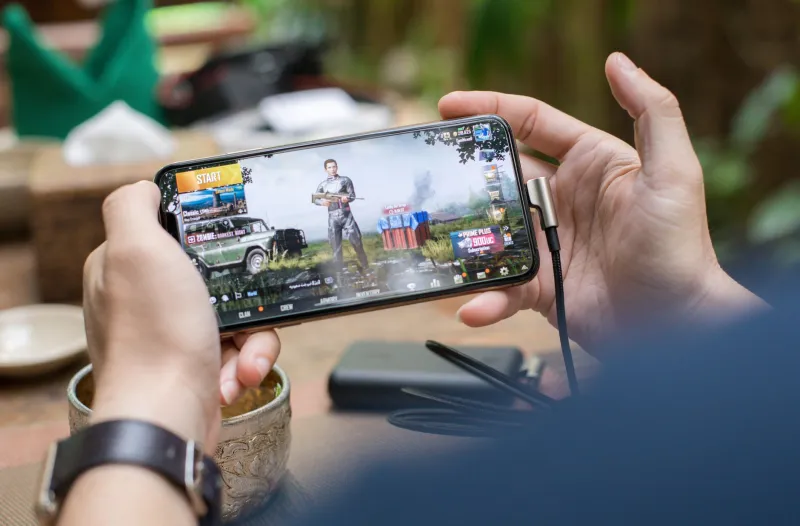
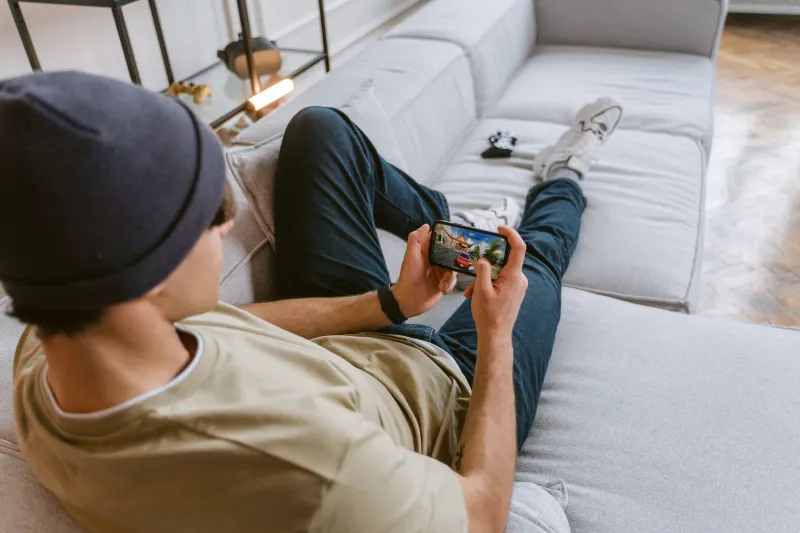
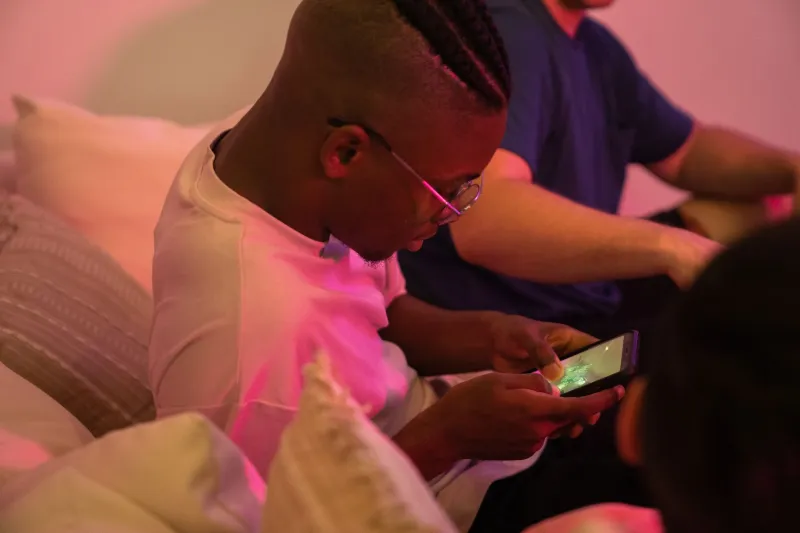
You're at a friend's place, your phone is dead, and they hand you theirs so you can jump into a quick match. Same game. Same account. Same character you've been grinding for months. But the moment you tap that screen, something feels off — like the controls are slightly delayed, the buttons are in the wrong spots, and your thumbs have absolutely no idea what they're doing.
Sound familiar? You're not imagining it. That weird, disoriented feeling has a name — well, a few names, actually — and it's one of the most underappreciated friction points in mobile gaming today. At G2G Mobile Arena, we're all about gaming that goes wherever you go, so let's dig into why your muscle memory basically short-circuits the moment you pick up someone else's device.
Your Thumbs Have a Memory of Their Own
Here's the thing most people don't think about: mobile gaming isn't just a visual experience. It's a physical one. Every time you grind matches on your own phone, your thumbs are quietly building a map — where the attack button lives, how hard you need to press to register a tap, how far you need to swipe to pull off a dodge. That map gets burned into muscle memory over hundreds of hours of play.
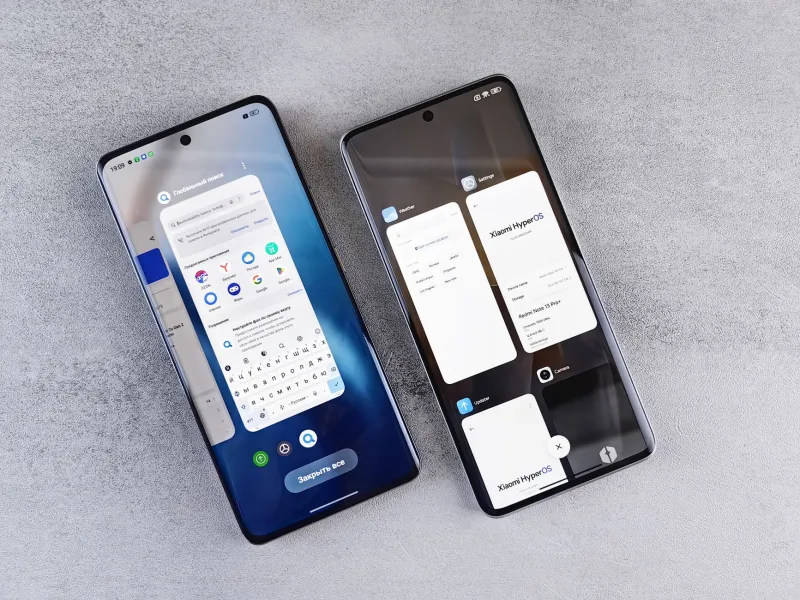
Switch to a different device, and that map is suddenly wrong. The screen might be a half-inch wider. The corners sit at different angles. The phone's weight distribution shifts where your grip naturally falls. None of these changes are dramatic on their own, but stacked together, they're enough to make even a seasoned player fumble like they're picking up the game for the first time.
Psychologists call this kind of disruption proactive interference — when something you've already learned gets in the way of adapting to a new situation. Your brain keeps firing the old instructions even when the environment has changed. In gaming terms, it means your thumbs keep reaching for a button that isn't quite there anymore.
Haptic Feedback Is More Important Than You Think
One of the sneakiest culprits? Vibration. Haptic feedback — that subtle buzz your phone gives when you tap a button or land a hit — is wildly inconsistent across devices, and most players never even register how much they rely on it until it's gone or different.
Some phones deliver a tight, precise click-like buzz. Others produce a softer, more diffuse rumble. Apple's Taptic Engine feels nothing like a mid-range Android's vibration motor, and neither of those feels like a budget phone that barely vibrates at all. Over time, your brain starts using that feedback as a confirmation signal — a subconscious "yes, that tap registered" — and when the signal changes, your timing goes haywire.
This is especially brutal in rhythm games and competitive shooters where split-second precision is everything. You're not just playing with your eyes. You're playing with your fingertips.
Screen Size Changes Everything About Your Spatial Game
Let's talk screen real estate. Mobile game developers design UI layouts with certain screen dimensions in mind, but the range of devices out there is enormous. A game optimized for a 6.1-inch display is going to feel cramped and cluttered on a 5.4-inch phone, and weirdly sprawling on a 6.7-inch one.
That matters more than it sounds. When UI elements shift even slightly in position, your thumbs have to recalibrate where to aim. The minimap that lives in your peripheral vision on your own phone might now be sitting dead center on your friend's smaller display, pulling your focus in ways you're not used to. The health bar you've trained yourself to glance at without thinking is suddenly somewhere else entirely.
This is a problem that scales with how competitive you play. Casual gamers might shrug it off after a few minutes of adjustment. But if you're playing ranked matches or trying to pull off advanced combos, even a few millimeters of displacement can cost you the game.
Developers Are Starting to Notice
The good news? Game studios are increasingly aware that their players aren't all rocking the same device — and that device-to-device consistency matters for retention. A few forward-thinking developers have started building what you might call adaptive UI systems, which detect screen dimensions and automatically reposition key elements to maintain the same relative thumb reach regardless of what phone you're on.
Some games now let you save custom control layouts tied to your account rather than the device, so when you log in on a new phone, your personal button configuration travels with you. It's a small fix, but it's a meaningful one — essentially letting your muscle memory follow you across hardware.
There's also growing experimentation with haptic profiles that players can adjust manually, tuning vibration intensity and pattern to feel consistent regardless of the underlying hardware. It's still early days, but the direction is clear: the industry is slowly acknowledging that the "play anywhere" promise only works if the experience actually feels the same anywhere.
The Controller Question
For players who use Bluetooth controllers with their phones, cross-device weirdness gets even more layered. Button mapping that works perfectly with your phone's screen size and resolution might feel off when paired with a different device, especially if the game's auto-scaling shifts UI elements around the controller's on-screen overlay.
Some competitive mobile players have started keeping custom controller profiles saved in third-party apps specifically so they can restore their setup instantly on any device. It's a workaround, not a solution — but it's the kind of workaround that points to a real gap in the ecosystem.
What This Means for the Future of Portable Gaming
The whole pitch of mobile gaming — and honestly, the whole reason G2G Mobile Arena exists — is that your game goes wherever you go. But "wherever you go" increasingly means "across different devices, different screens, and different hardware setups." True portability isn't just about your save data following you. It's about the feel of the game following you too.
The best mobile gaming experiences of the next few years are going to be the ones that treat player muscle memory as something worth protecting. That means smarter adaptive layouts, account-linked control profiles, consistent haptic calibration, and maybe even AI-assisted UI scaling that accounts for individual play patterns.
Until then? If you're serious about your mobile game, keep a portable charger on you. Borrowing someone else's phone mid-session is a fast track to a frustrating loss — and your thumbs deserve better than that.